


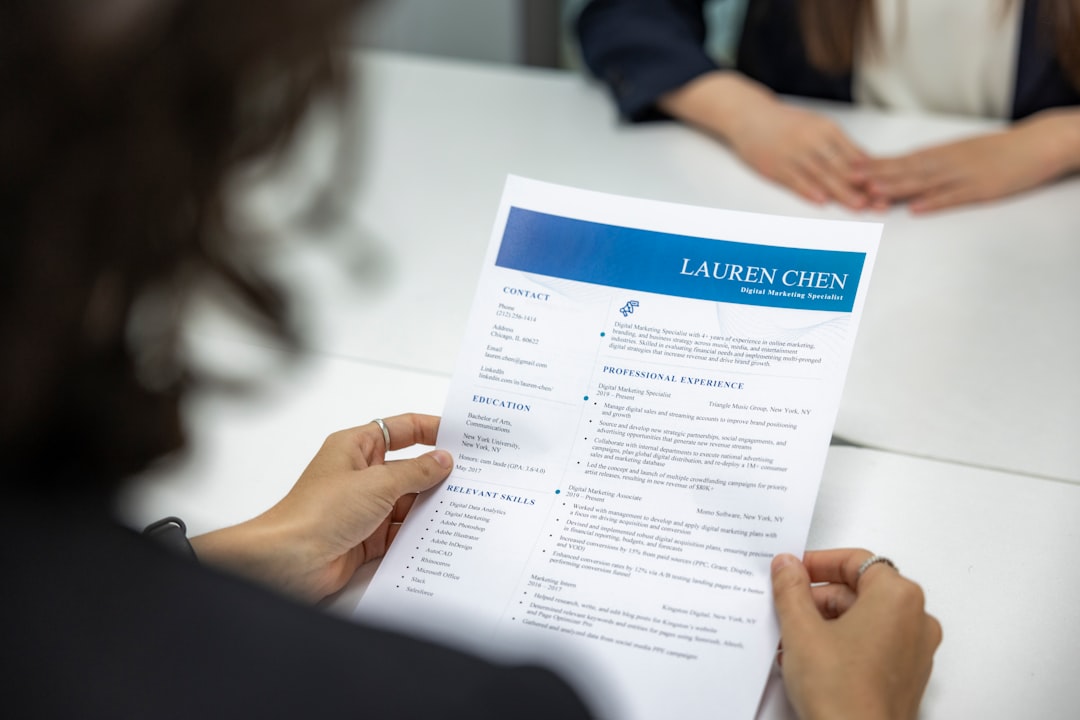
Certificate Templates
(0
reviews)
Sold by:
Inhouse product
Inhouse product
Price:
₨65,520
/KG
Refund:

Share:
Top Selling Products
-

Database Design & Management
₨840,000 -
Frontend Development
₨102,760 -
Mobile App Development
₨658,000 -
Cinematic LUTs Pack
₨66,360 -
Certificate Templates
₨65,520 -
Signature Logos Pack
₨840,000





1. Core Functional Requirements
- Visual Template Editor: A drag-and-drop interface (using Canvas or SVG) allowing users to place text, logos, and signature blocks.
- Dynamic Placeholders: Support for variables like
{{student_name}},{{issue_date}}, and{{certificate_id}}for automated batch processing. - High-Fidelity Export: Support for high-resolution PDF (300 DPI) for printing and PNG/JPG for social sharing.
- Bulk Generation: Ability to upload a CSV/Excel file to generate hundreds of personalized certificates instantly.
2. Technical Stack Recommendations
- Frontend (The Editor):
- Fabric.js or Konva.js: Best for handling canvas objects, layering, and drag-and-drop logic.
- html2canvas: For quick client-side snapshots.
- Backend (The Renderer):
- Puppeteer (Node.js): The industry standard for converting HTML/CSS layouts into pixel-perfect PDFs.
- ReportLab (Python): High-performance library for generating complex PDF documents server-side.
- Storage:
- AWS S3 / Cloud Storage: To store generated files with temporary signed URLs for privacy.
3. Key Security Features
- Unique QR Code Verification: Each certificate should feature a QR code that links to a verification URL on your domain to prevent fraud.
- Digital Signatures/Watermarks: Implement transparent overlays or cryptographic hashing to ensure the document hasn't been tampered with.
- Blockchain Integration (Optional): Store the certificate hash on a ledger for permanent, immutable proof of achievement.
4. Design Specifications
- Standard Sizes: Support both A4 Landscape (297 x 210mm) and Portrait (210 x 297mm).
- Typography: Support for custom Google Fonts or uploaded TTF files to ensure brand consistency.
- Layers: Separate the background (border/patterns), content (text), and seals (transparent PNGs of official stamps).
5. Implementation Roadmap
- MVP: Create a fixed HTML/CSS template and use Puppeteer to inject JSON data and output a PDF.
- Version 2.0: Build the UI Editor so non-technical users can customize the layout without code.
There have been no reviews for this product yet.
Related products








PROGRESSIVE PATHWAYS is committed to providing a fast, secure, and seamless custom software development experience. We offer a wide range of digital solutions, including enterprise systems, mobile applications, cloud services, and AI integrations.We strive to deliver the best results for our clients through agile delivery models, continuous technical support, and comprehensive post-launch maintenance and security commitments, empowering businesses to achieve digital transformation.
Contact Info
- Address:
- Phone: +92 307 9004228
- Email: info@progressive-pathway.com